
We offer a self-install option that lets you set up a printer on your own device without IT. It only takes a few minutes and means you can get printing straight away.
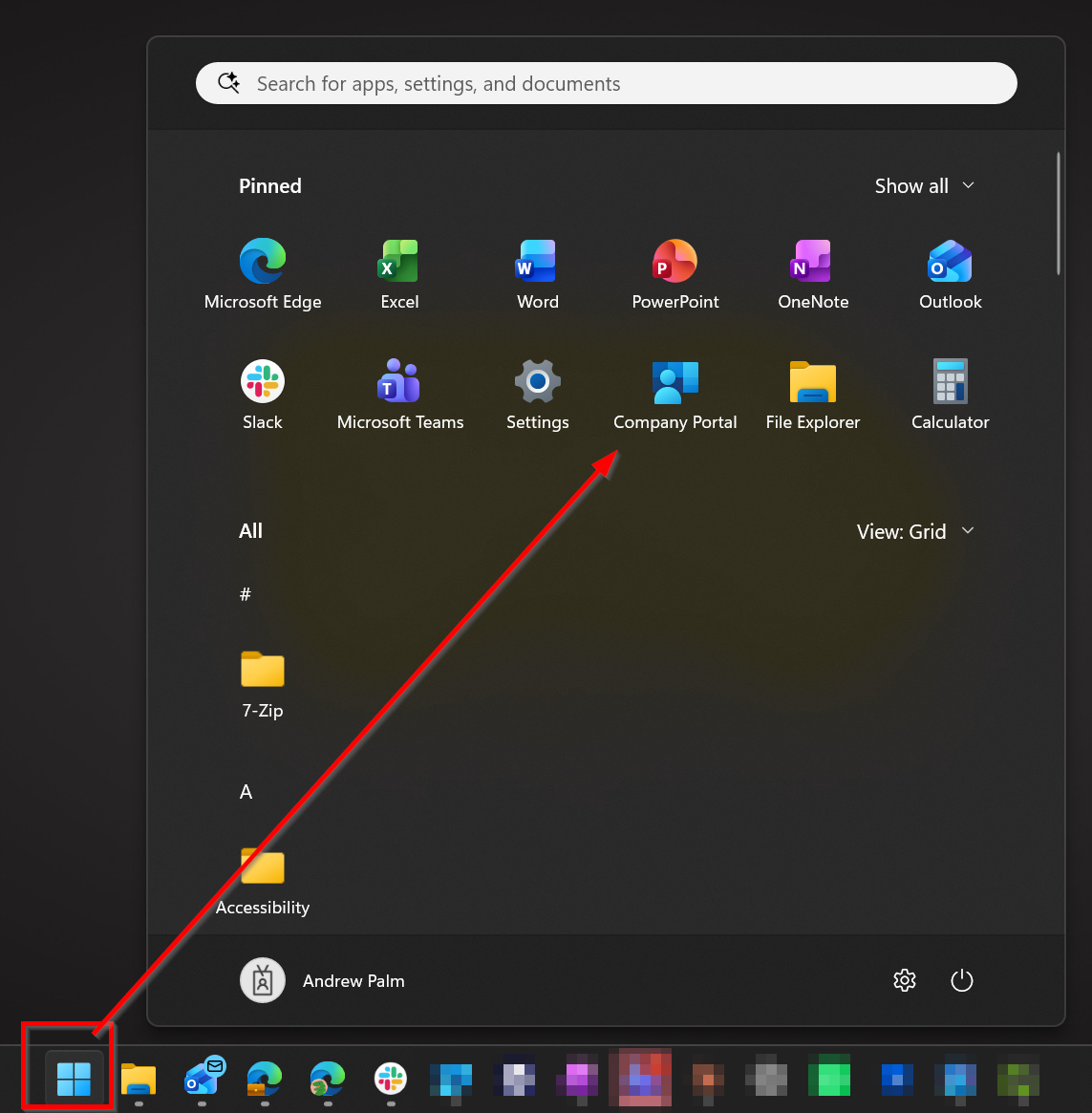
- Open the Company Portal app from the Start menu.
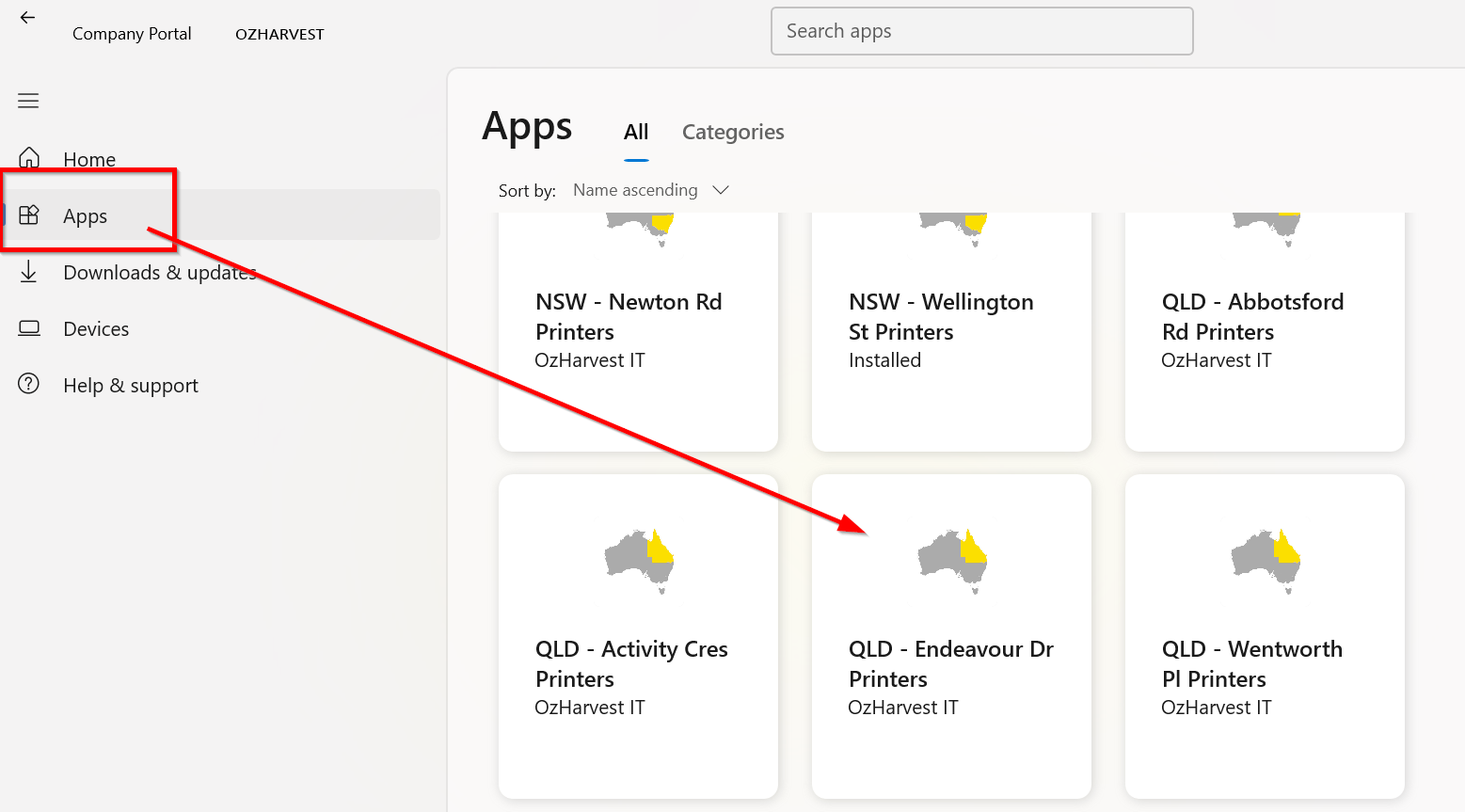
- Click Apps on the left.
- Locate your site's printer.
- Click Install or Reinstall.
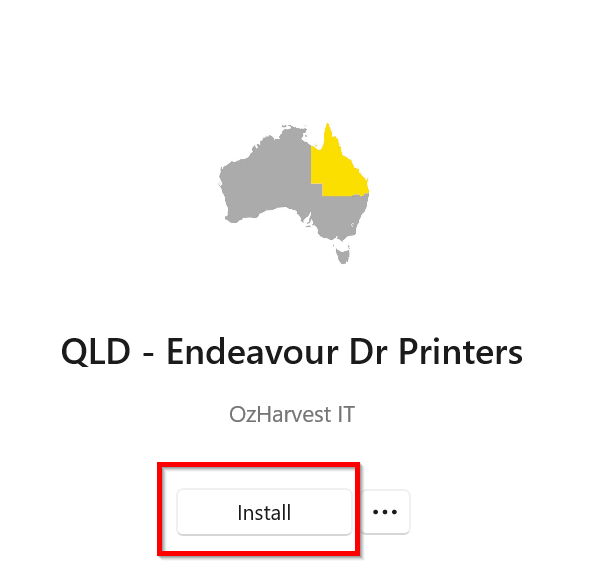
The installation should only take a few minutes, and the printer will then appear on your device.
Need a hand? Just reach out to helpdesk.